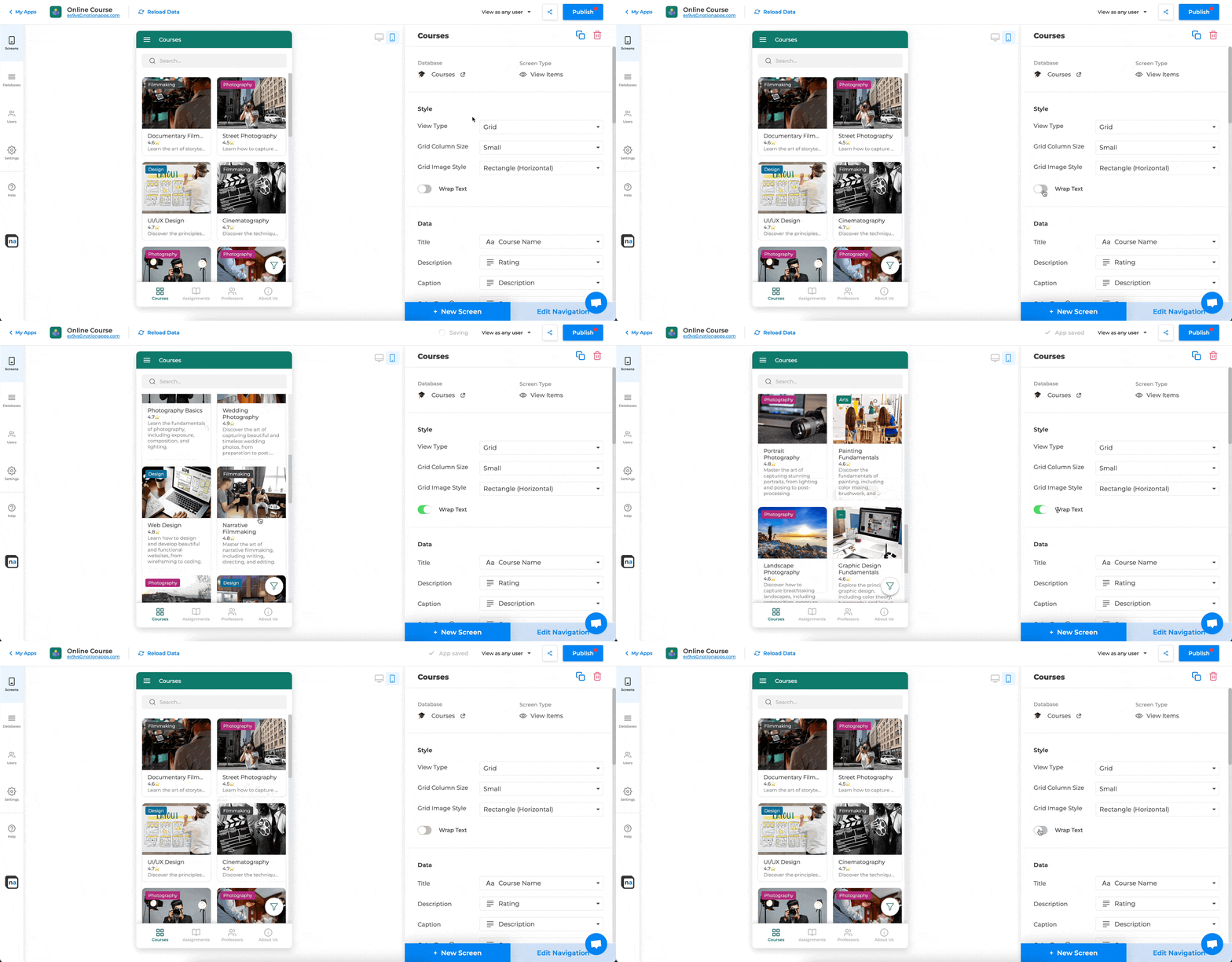
Intuitive App Builder
Drag and drop to build production-quality apps with a live preview and instant publishing.
Features
Turn Notion databases into apps, portals, and a process layer—with permissions, two-way sync, and automation when you need it. Add forms, permissions, branding, messaging, approvals, notifications, operational screens, integrations, and custom code — no code required.
Drag and drop to build production-quality apps with a live preview and instant publishing.

Every app looks great on desktop, tablet, and mobile — automatically.
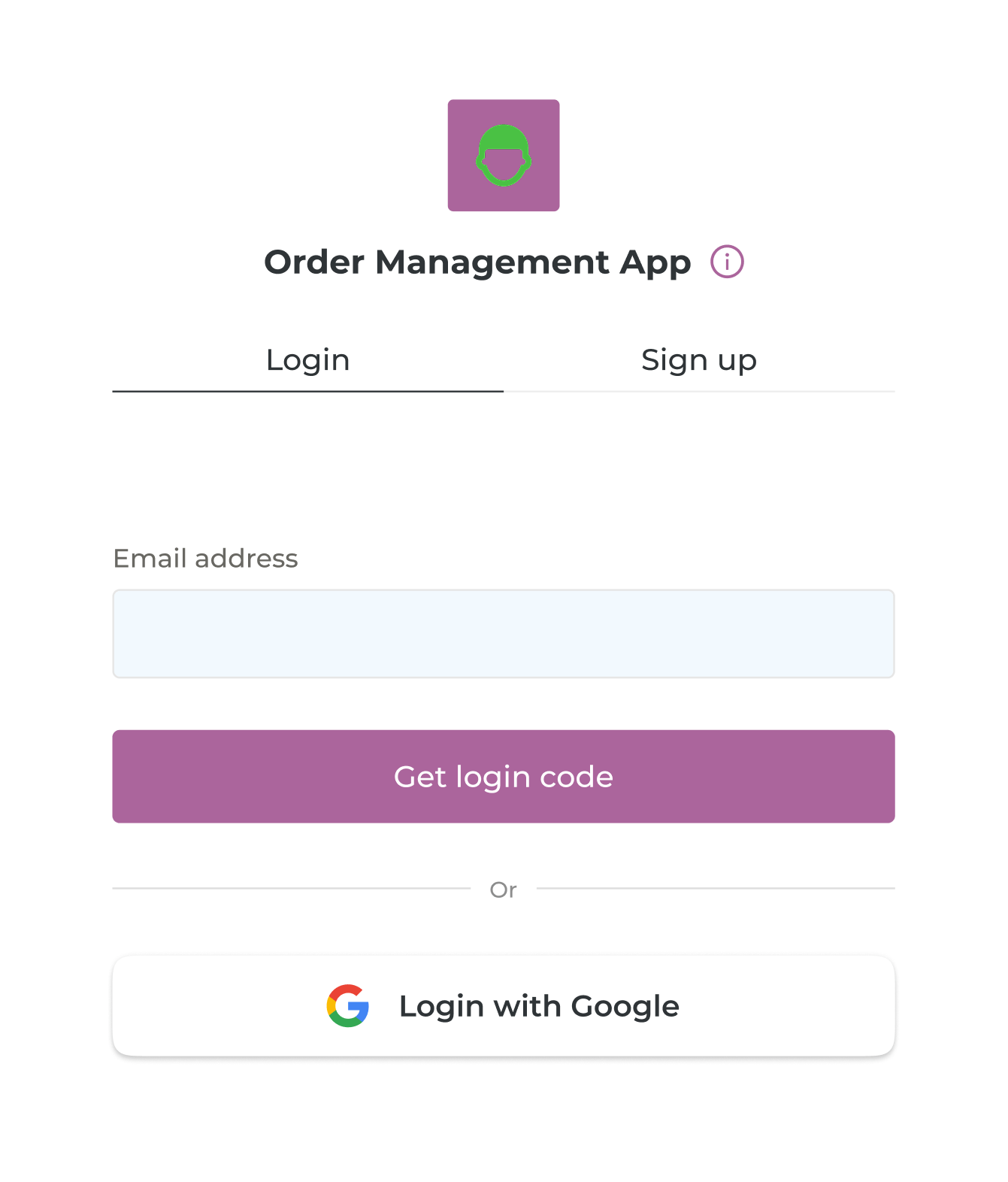
Enable user authentication with email one-time codes or Google Sign-In. Store user data in Notion.
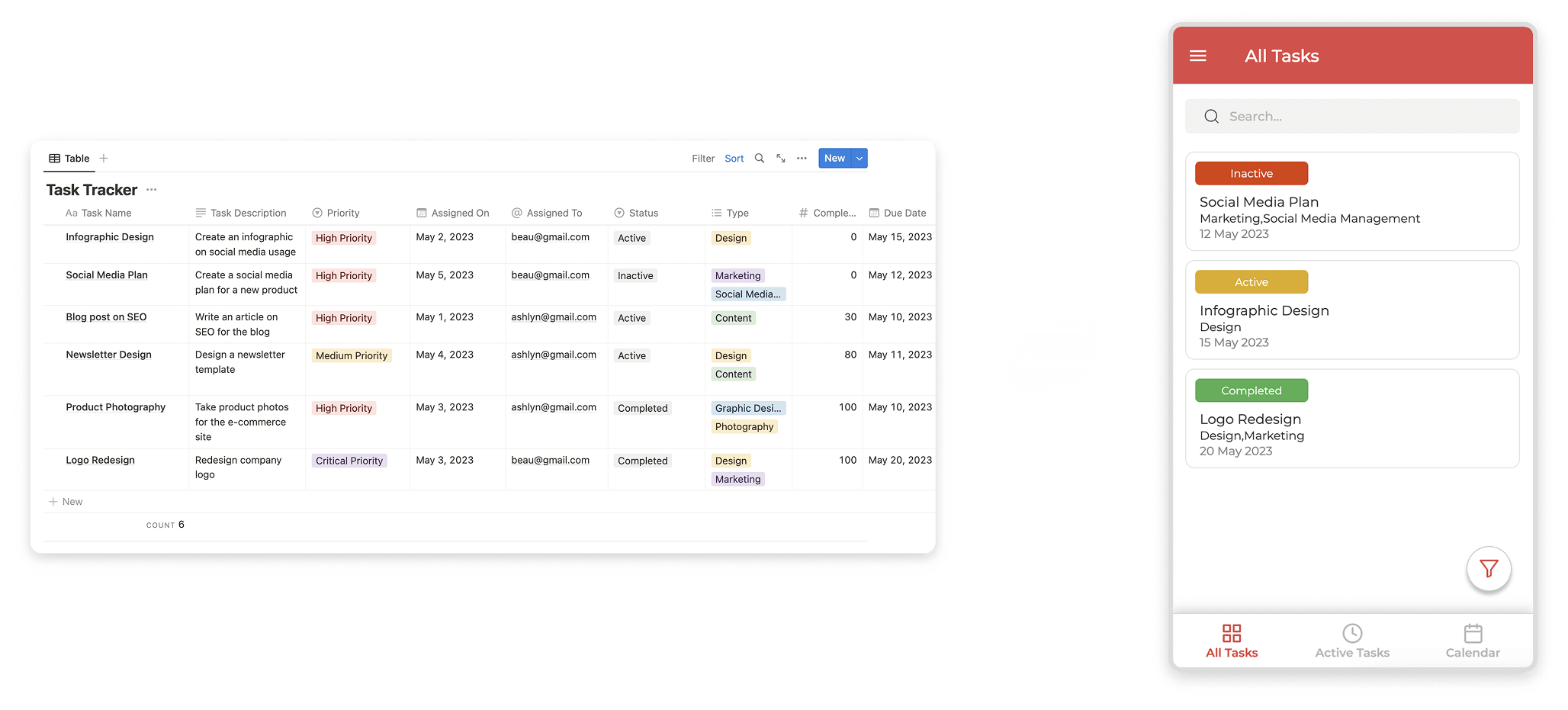
Two‑way sync with your Notion databases. Changes in the app and Notion stay in sync automatically.
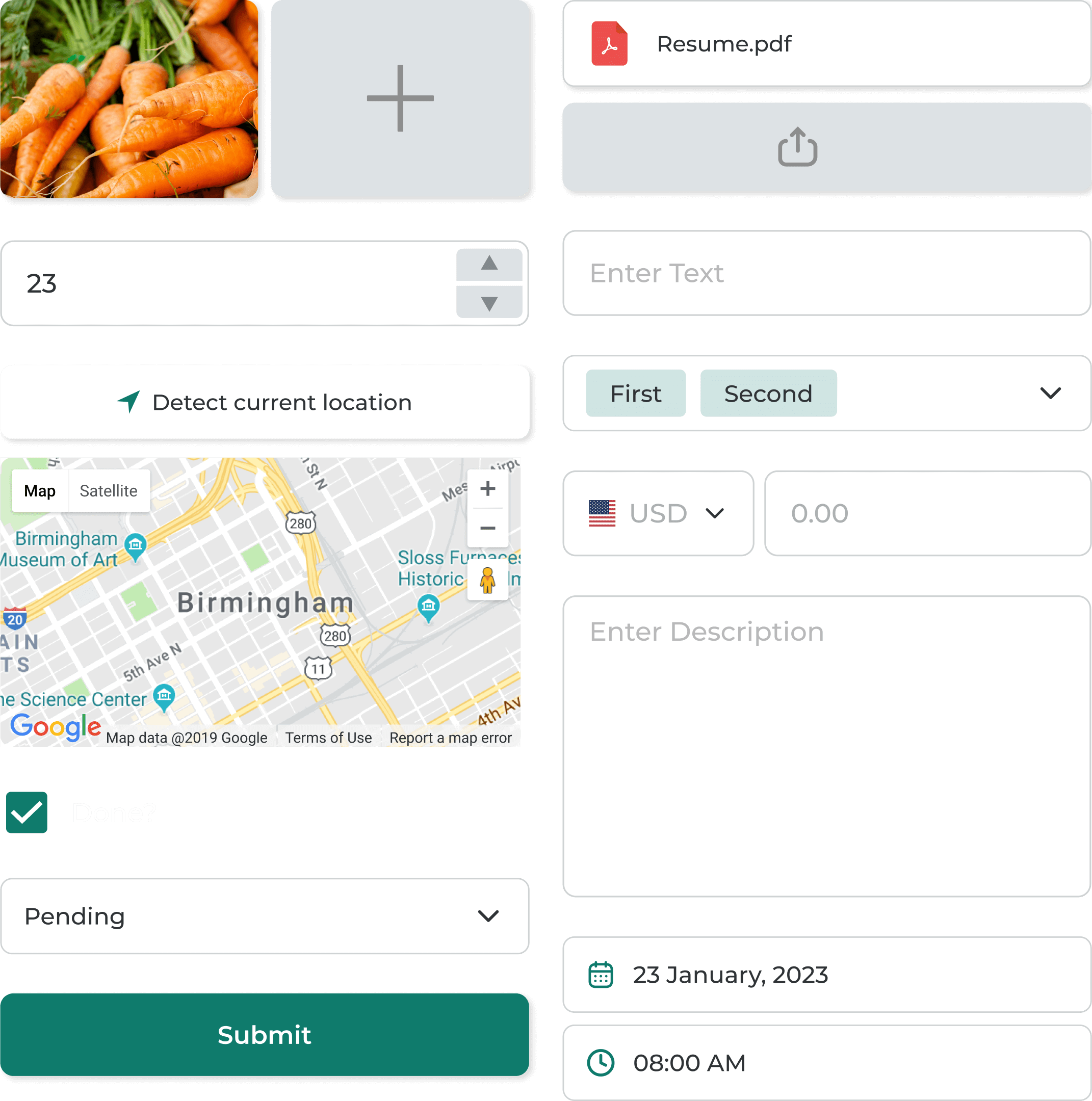
Create forms to add or update items in your Notion databases with validation and conditional logic.
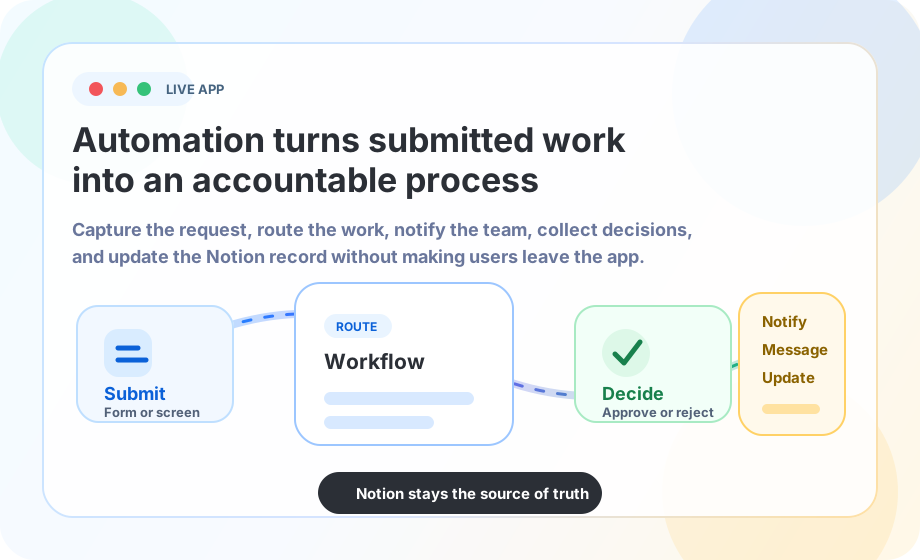
Trigger workflows, notifications, approvals, and operational follow-up when users submit, update, or move work forward.
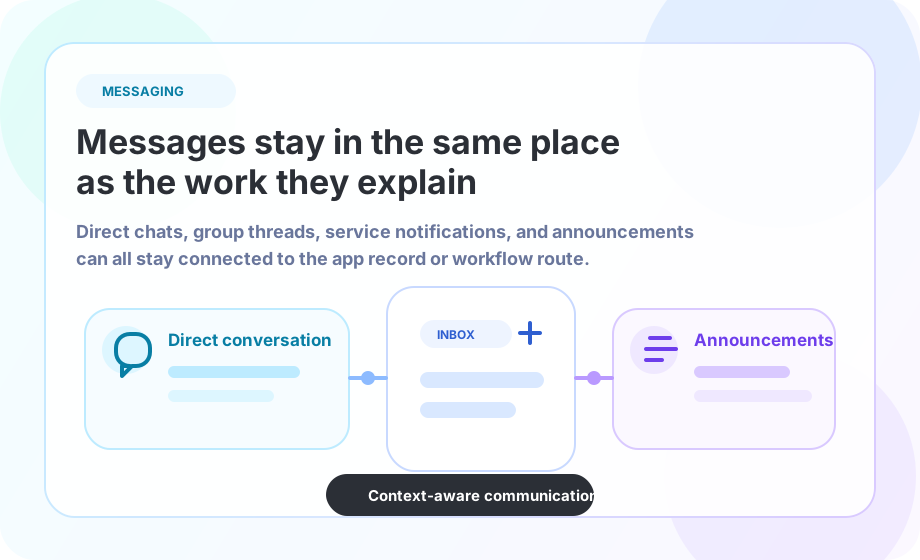
Add direct conversations, group discussions, announcements, and routed notifications that stay tied to the app context.
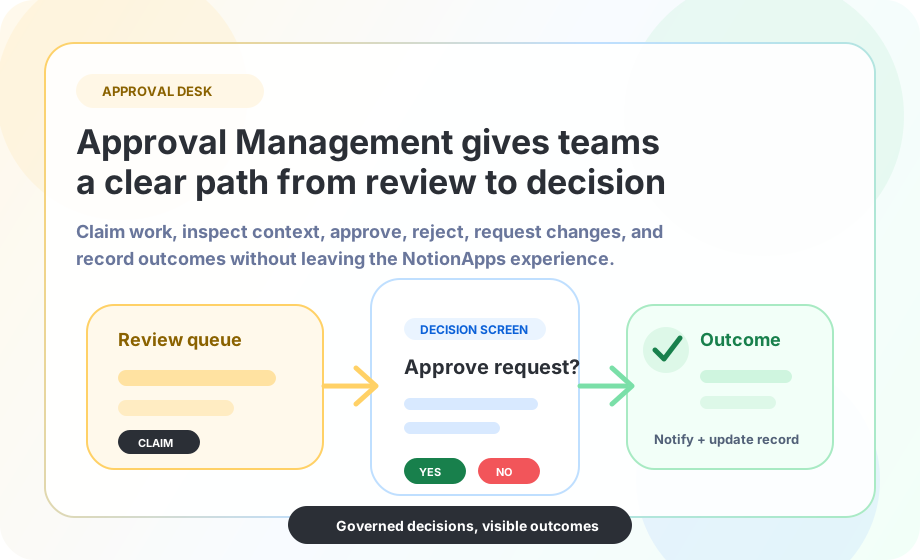
Create approval inboxes, decision actions, review queues, and guided approval setup for business processes.
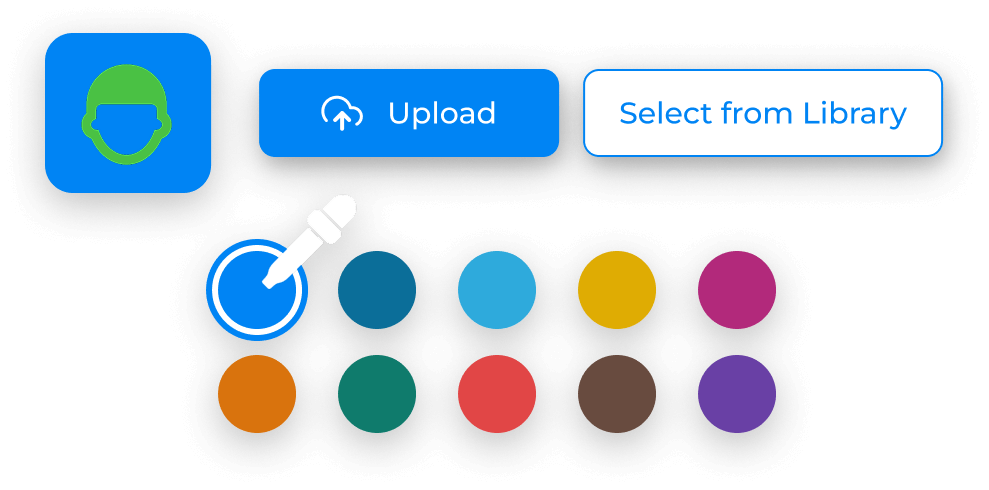
Customize color theme, app name, icon and URL. Make it feel fully yours.

Control row‑level access per user. Decide exactly who sees what across screens.
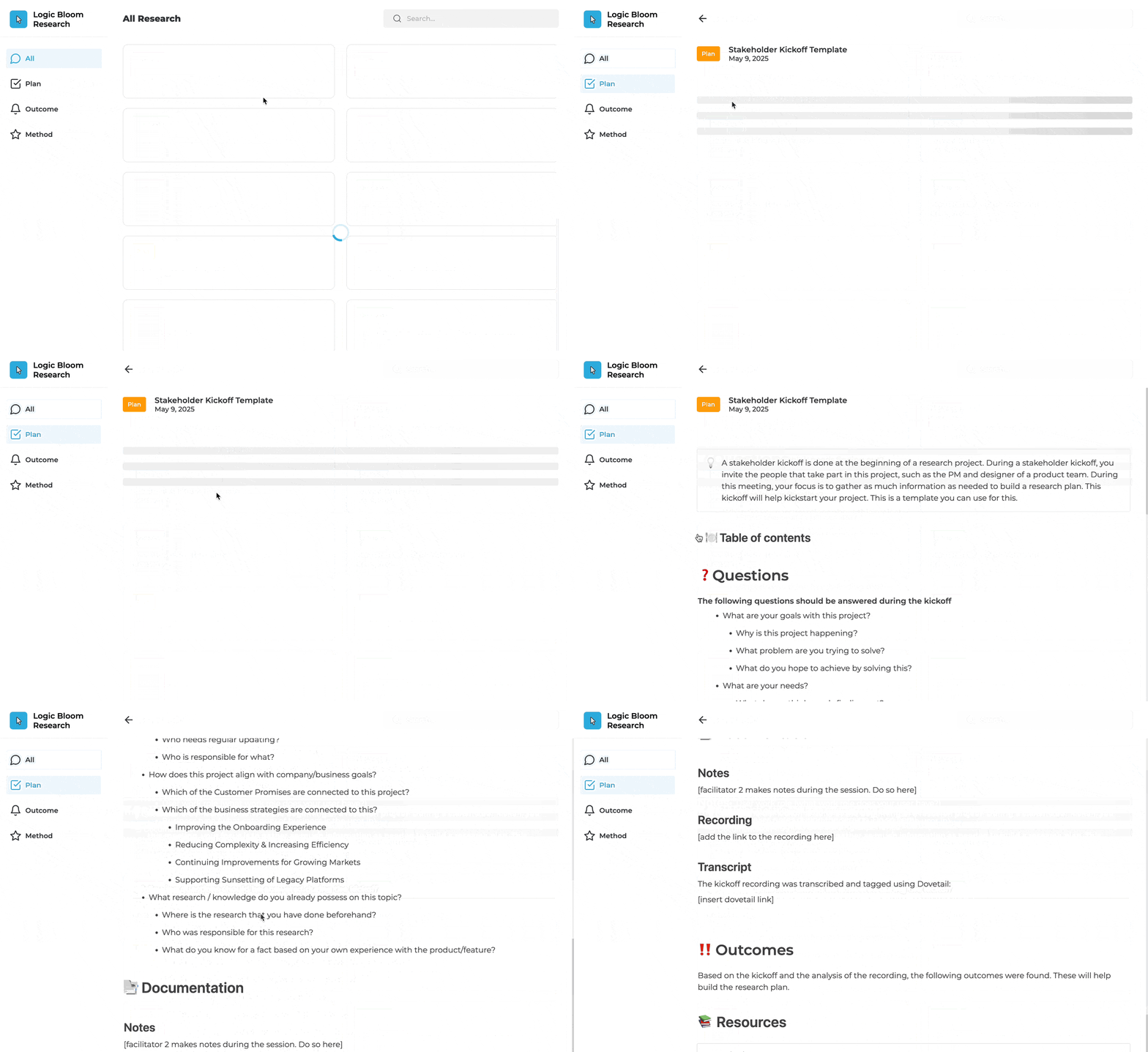
Blend Notion page content with database views. Render headings, media, embeds and more.
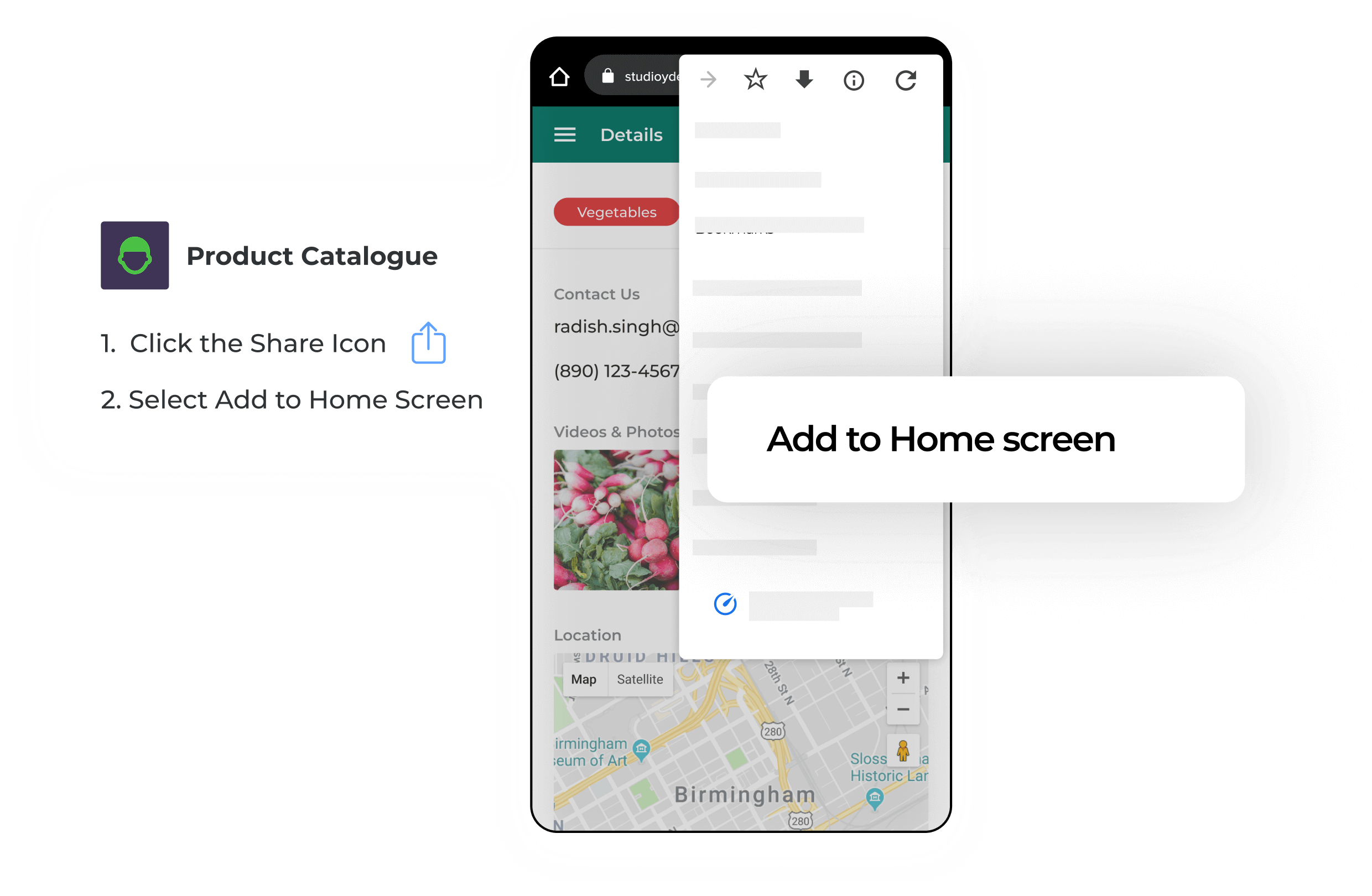
Offer an app-like experience on iOS and Android with home-screen install.
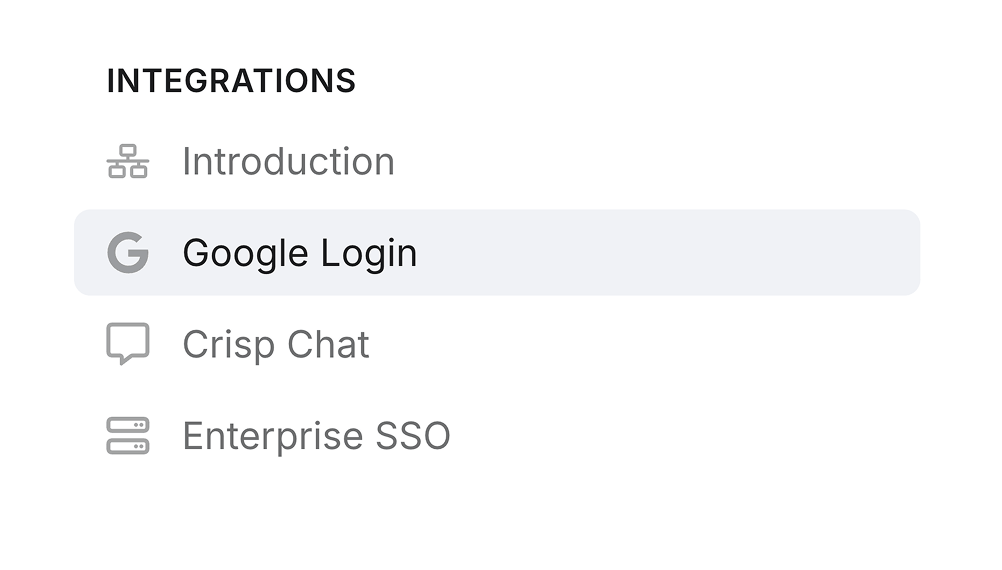
Plug in Google Sign‑In, Crisp, Intercom and enterprise SSO providers like Okta or Auth0.
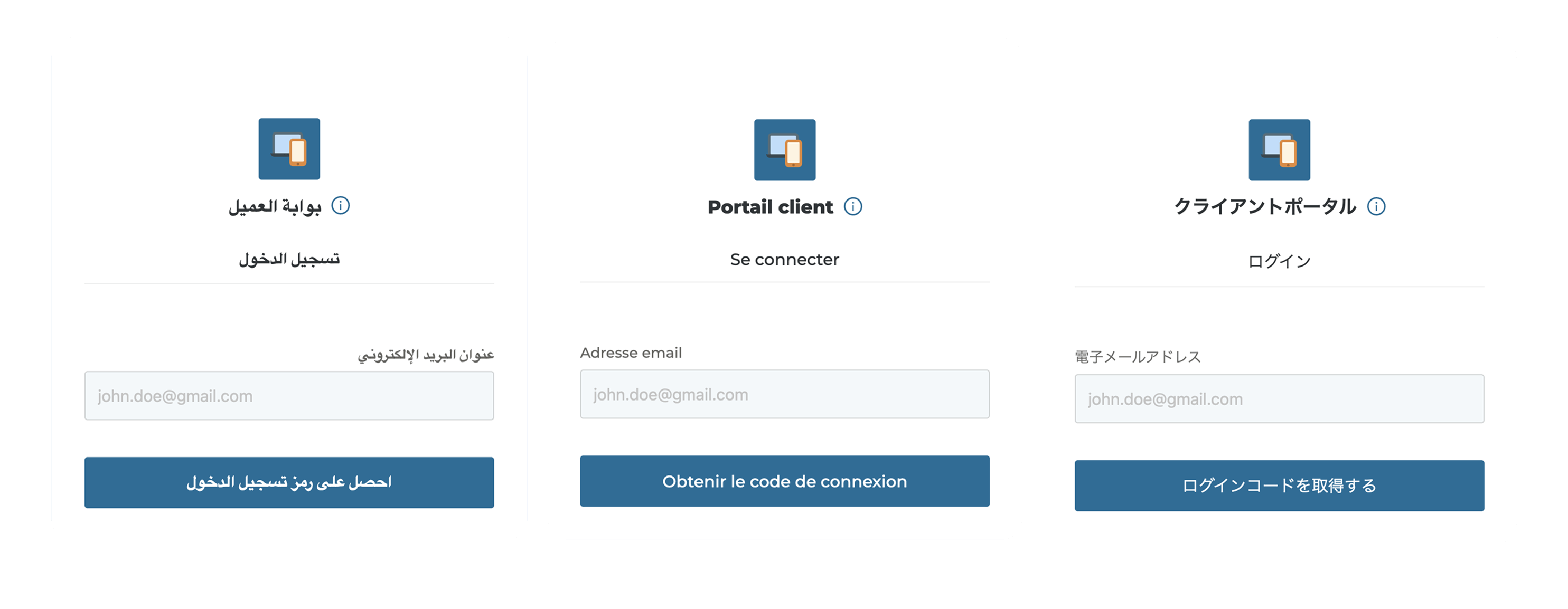
Auto-detect browser language and localize your app UI. Supports 15+ languages including French, Japanese, Spanish and Italian.

Customize your app's visual system, onboarding, embedded widgets, and business-specific interactions.

Connect your own domain or subdomain for a fully branded experience.

Scan codes using the device camera and write results to Notion pages.

Plot page properties on a map, capture GPS coordinates, and build location‑aware workflows.

Collect e‑signatures inline and store them as files linked to database items.

Upload images and videos, preview media, and manage files from your app screens.

Collect PDFs and documents with drag‑and‑drop and enforce required uploads when needed.

Trigger multi‑step actions like navigation, opening an external link, etc.

Send workflow updates, app-wide announcements, and routed notifications to users.